NabuOS settings now looks like a system settings app
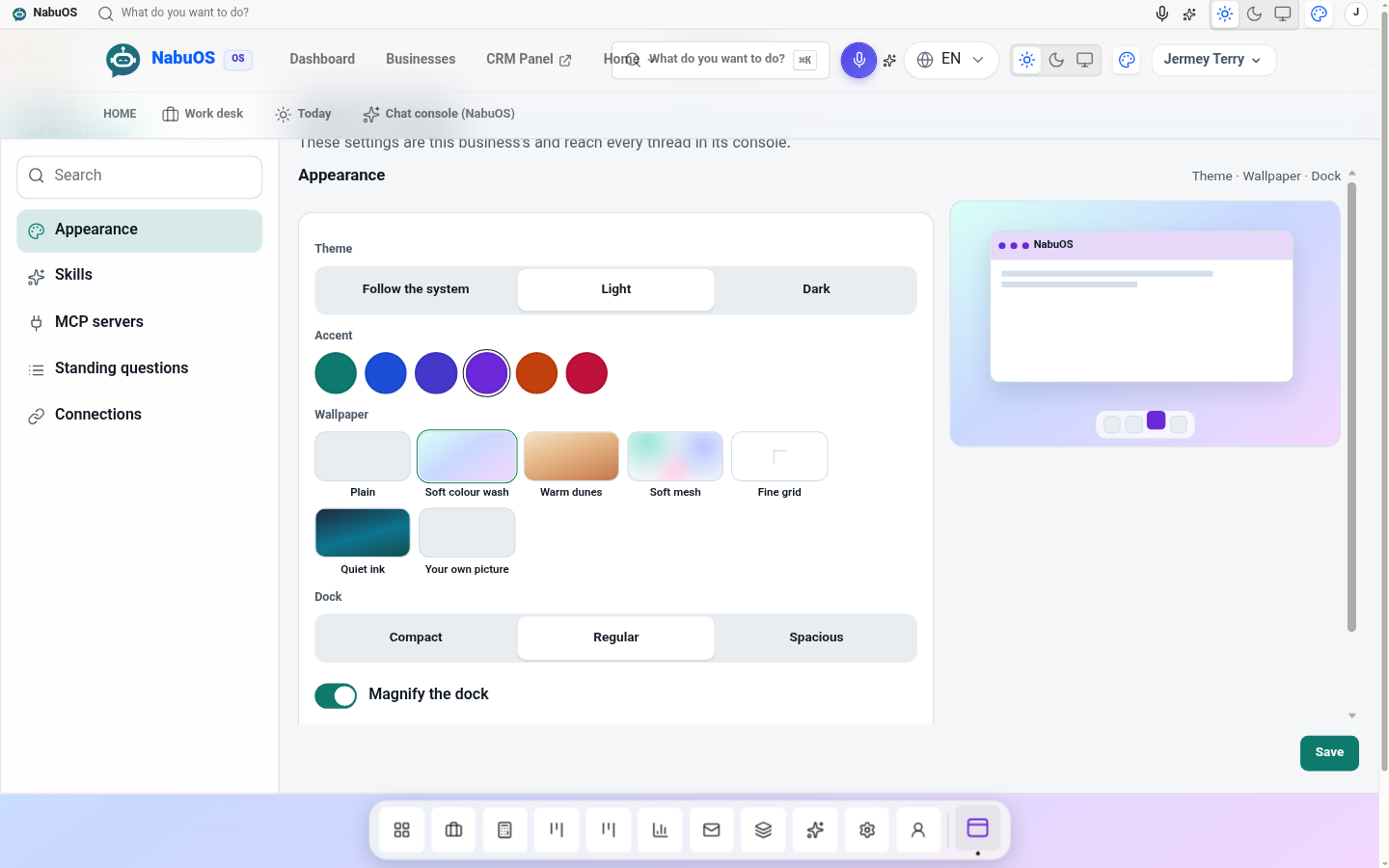
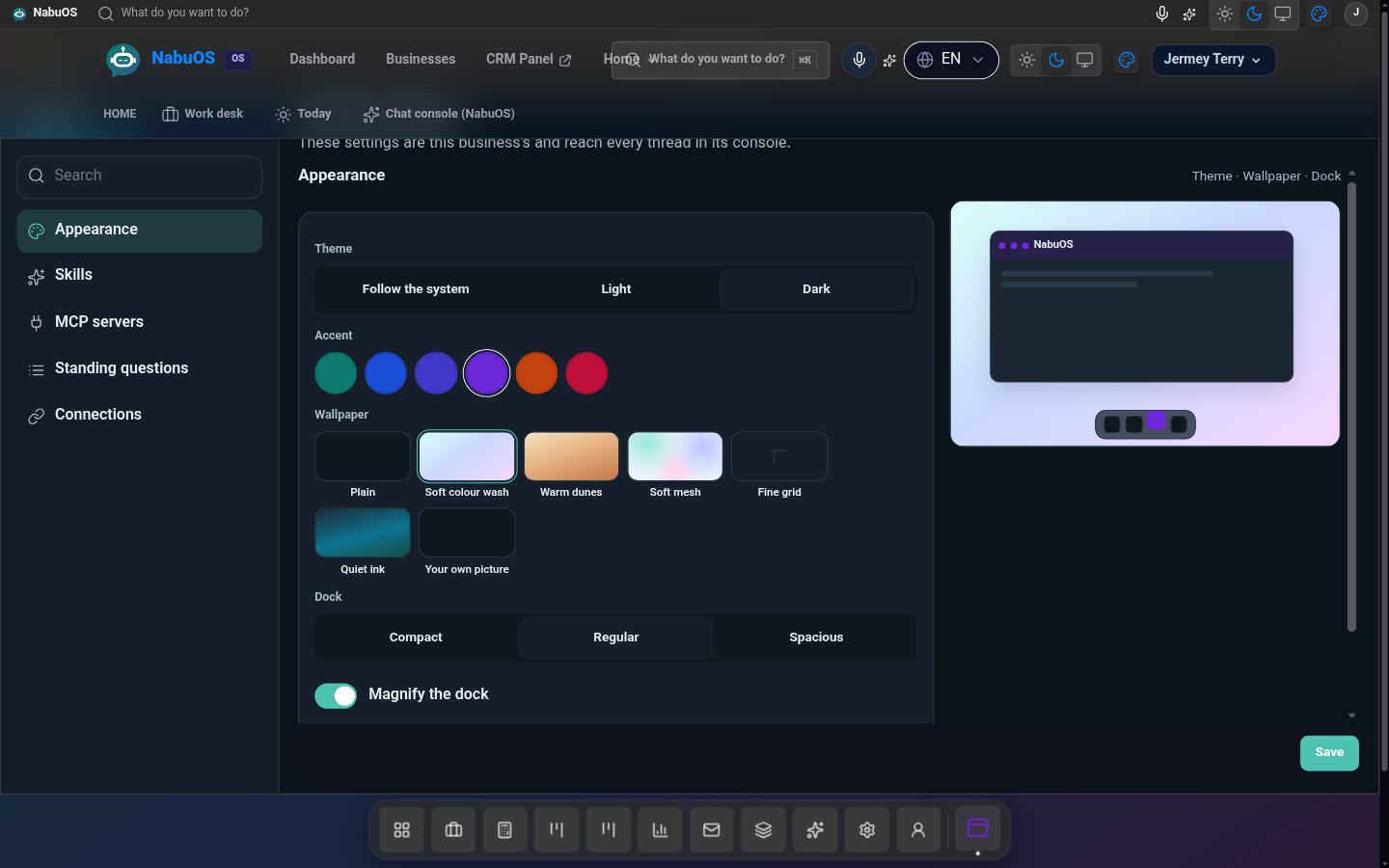
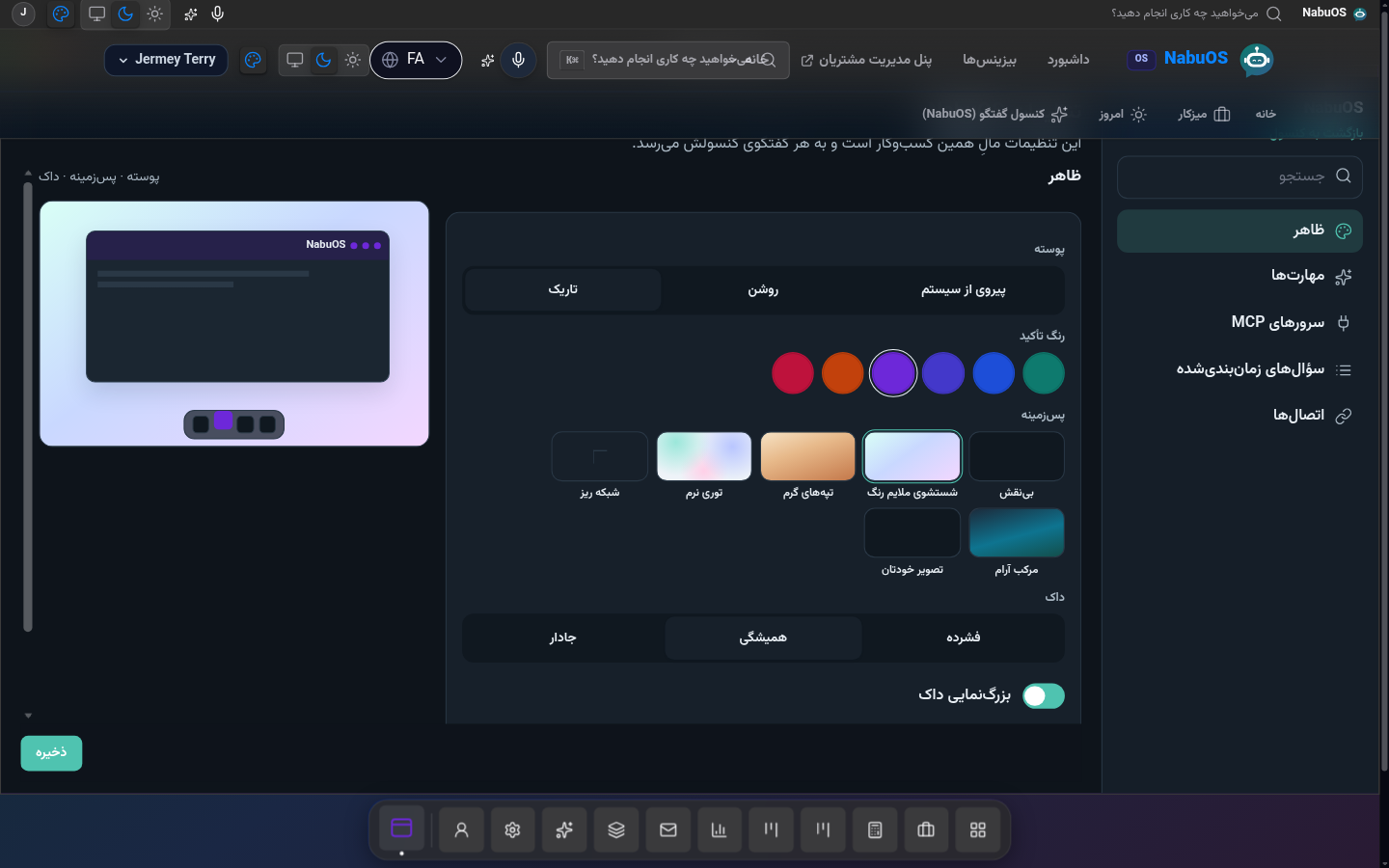
The console settings page is a sidebar of categories, with its own Save on each group, and a live preview of the wallpaper, theme, accent and dock.
Product update 1 min read
What changed
Settings used to be one long column. It is now a settings window: search, a category list, and one group at a time. Appearance, skills, servers, standing questions and connections each save on their own. There is no Next step.
The appearance group shows the desktop as you change it: theme, accent, wallpaper, dock size and panel skin. Save keeps that choice on your account, so another browser can pick it up. A Mac window can be dragged larger from its edges.
How to use it
- Open the console, then Settings.
- Choose Appearance, Skills, MCP servers, Standing questions or Connections.
- Change what you need and press Save in that group. Stopping a standing question saves on its own button.
Good to know
- The theme switch in the corner still applies on this browser immediately. Save in Appearance is what follows you to another browser.
- Your own wallpaper is a picture up to 4 MB. It is only yours.
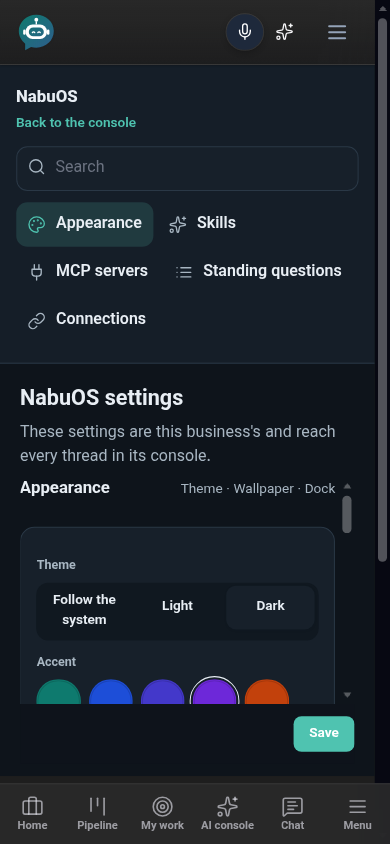
- On a phone the categories sit in a row above the group, and the window edges stay off. Resize is for the desktop skins.