WhatsApp chats are now in the CRM Inbox
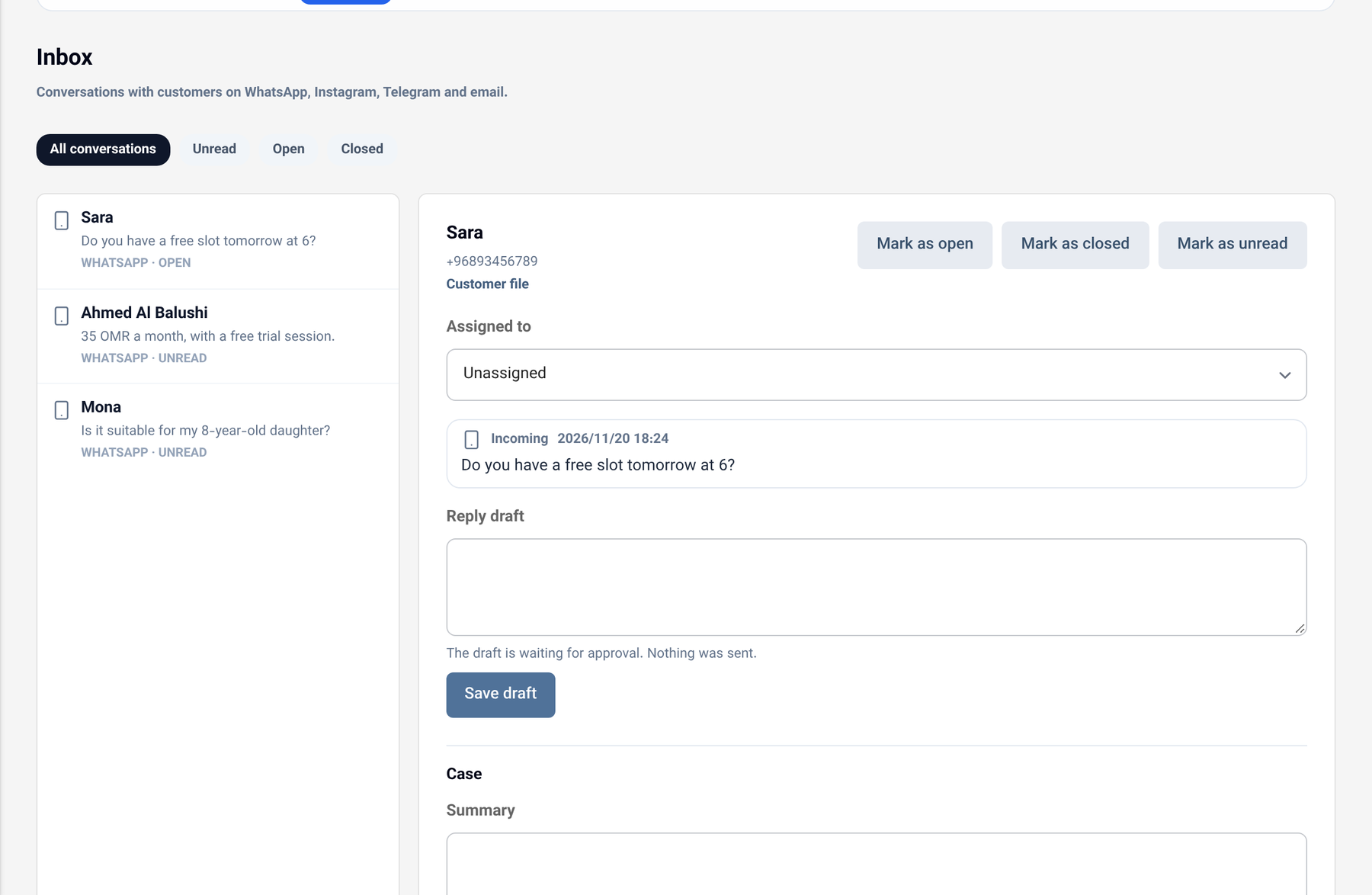
With WhatsApp connected, the Inbox still said Not connected and No conversations yet, because WhatsApp chats were stored somewhere else. Every one-to-one WhatsApp chat, the customer's message and your answer, now lands in the Inbox, and the last 30 days of chats are brought in too.
Product update 2 min read
What changed
Until now WhatsApp chats were stored only in the desk's conversations, and the CRM Inbox never saw them: with WhatsApp connected it stayed empty and said Not connected. Now:
- Every one-to-one WhatsApp chat is filed in the Inbox: the customer's message, the AI assistant's answer and what you type on the phone, all on that customer's conversation.
- This works for every way WhatsApp is connected: the business's own WhatsApp number, a number whose chats are logged under WhatsApp campaigns, and a WhatsApp account you linked.
- The last 30 days are brought in. The first time you open the Inbox, earlier chats appear in the list a moment later.
- A conversation is linked to the customer file with the same number; for a brand-new customer, opening the conversation finds and links the file.
- If your WhatsApp campaigns number does not log its chats yet, the Inbox says so, and "Log its chats in the inbox" takes you there.
How to use it
- Open "Inbox" from the customers section.
- Click a conversation to see its messages and the customer file, hand it to a colleague or close it.
- If you connected through WhatsApp campaigns and see no messages, press "Log its chats in the inbox" beside your number under WhatsApp campaigns.
Good to know
- Groups, statuses and channels are not filed, only one-to-one chats with customers.
- A number set up for the team or the console does not come into the customers' Inbox.
- Chats older than 30 days are not brought in.