Every service of your business, inside the NabuOS apps
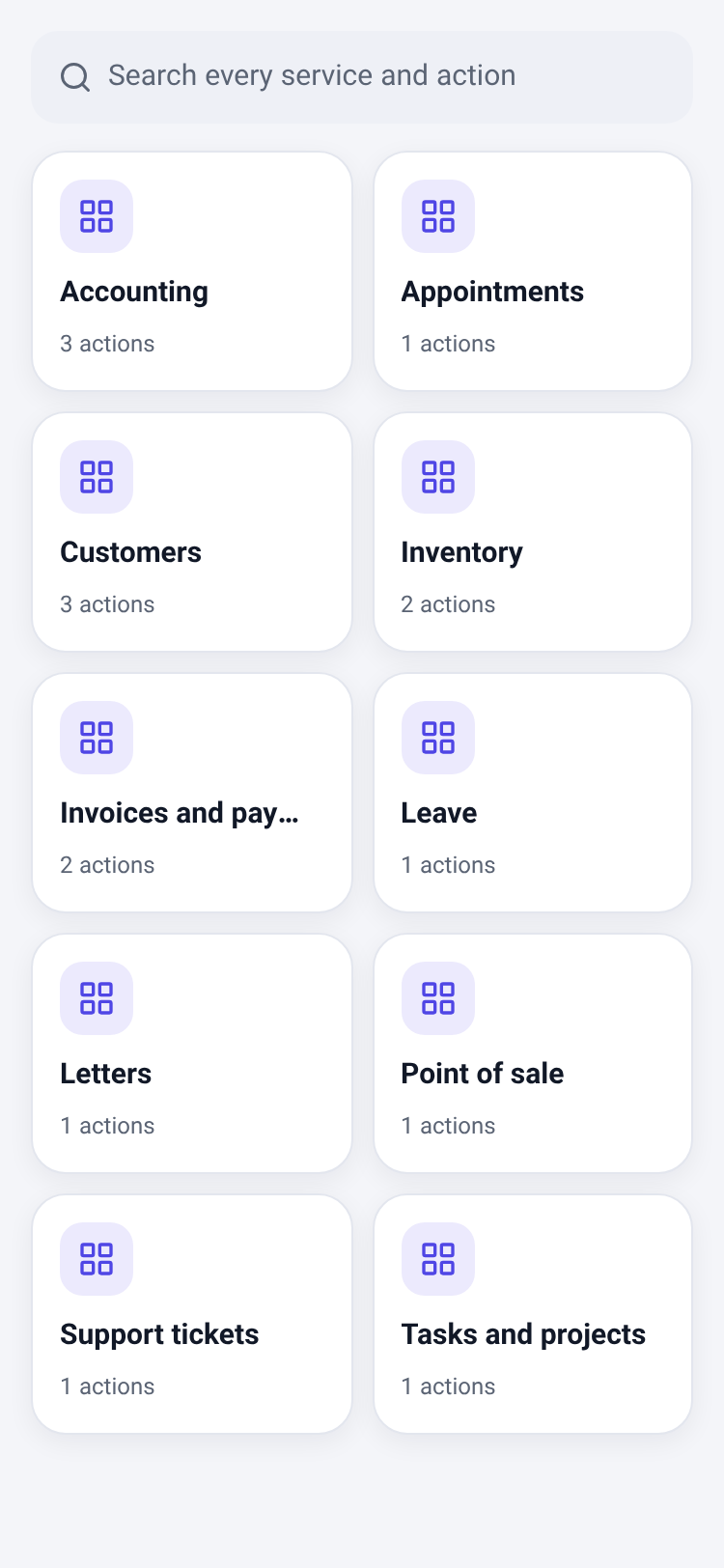
The phone app now has All services: every module your seat can use — accounting, invoices, tickets, stock, appointments, HR and the rest — as native screens, with no web page. The desktop app keeps everything in its own windows too: new windows, downloads and the call microphone stay inside the app.
Product update 2 min read
What changed
On the phone (NabuOS 1.7.0). A new All services shortcut on Home lists every service your seat in this business can use: about sixty of them, from customers and accounting to tickets, stock, appointments, leave, letters and the website. Each one opens natively:
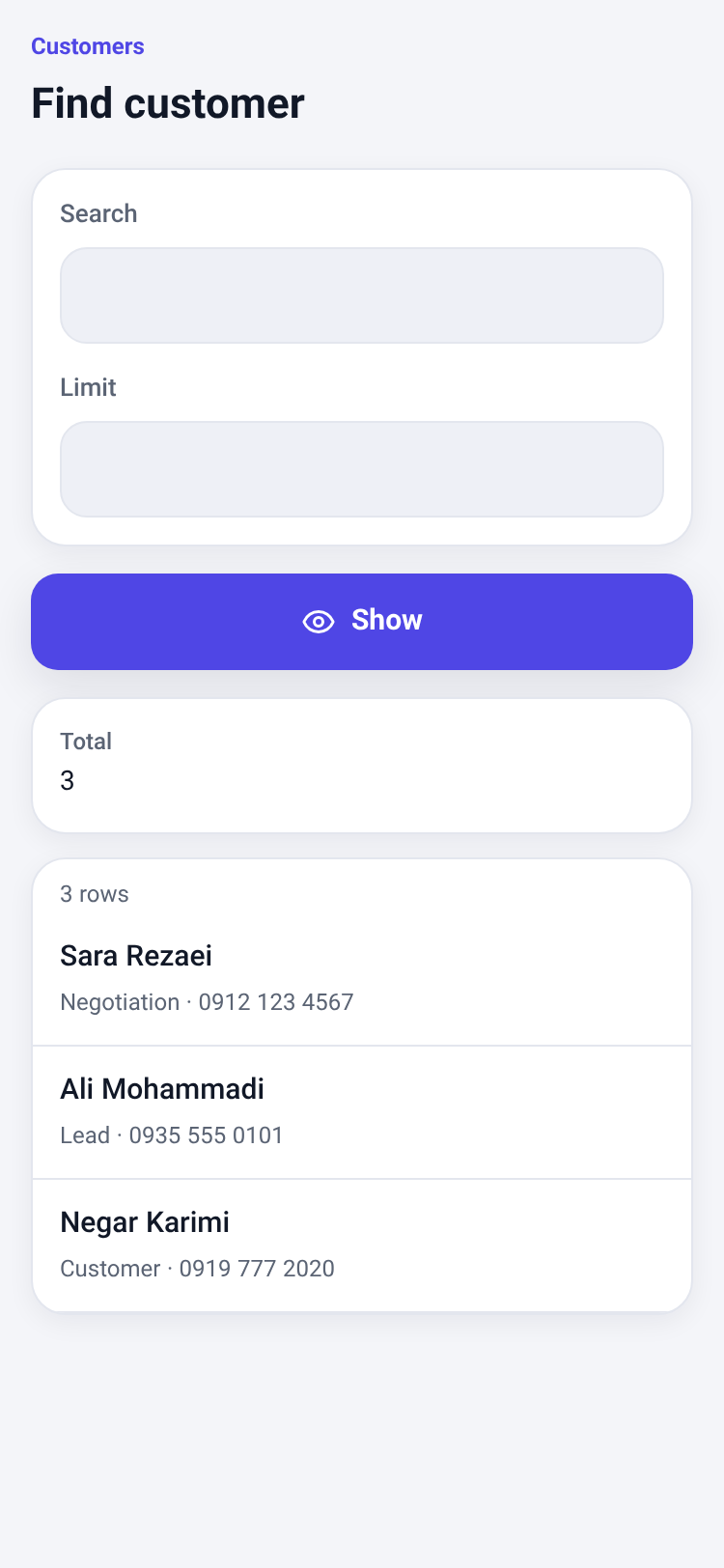
- See: the service's lists and reports, shown as native lists and cards. Tap a row to see all its fields.
- Do: the service's actions, each a native form made from what the action needs.
- A change is never made by the form alone. It becomes the same confirmation card the assistant shows, and runs only when you tap Allow it, with your seat checked again at that moment.
- Search finds a service or an action across all of them at once ("invoice" finds the books' and the shop's).
- A link to a part of the panel that has no screen of its own (from a notification or a tile) now opens that service here, instead of a page that only offered the assistant.
On the computer (NabuCRM desktop 0.3.0). Nothing leaves the app any more:
- A link or button that opens a new window opens another window of the app, already signed in, never your web browser.
- Downloads (invoice PDFs, exports) are saved to your Downloads folder.
- The microphone works in the call operator console and voice rooms, on Windows and on Mac.
- Only links that aren't web pages, such as an email address or a phone number, go to your computer's own apps.
How to use it
- Update NabuOS on your phone to 1.7.0, and the desktop app to 0.3.0.
- On the phone, tap All services on Home. Pick a service, then an item under See or Do.
- For an action under Do, fill in the form and tap Review and confirm, then Allow it on the card.
Good to know
- You see only the services and actions your seat allows in this business, and only those the app's key was issued for.
- Service and action names are in your language; a brand-new action may show its English name until it is translated.