The console opens a chat and tells you when something needs you
The console no longer only waits to be asked. In the morning when work is overdue or due today, when business figures are off their usual, and when a standing question's answer is ready, it opens a new chat and sends one notification. Answer there and it does the work.
Product update 2 min read
What changed
The console now starts a chat of its own in three cases:
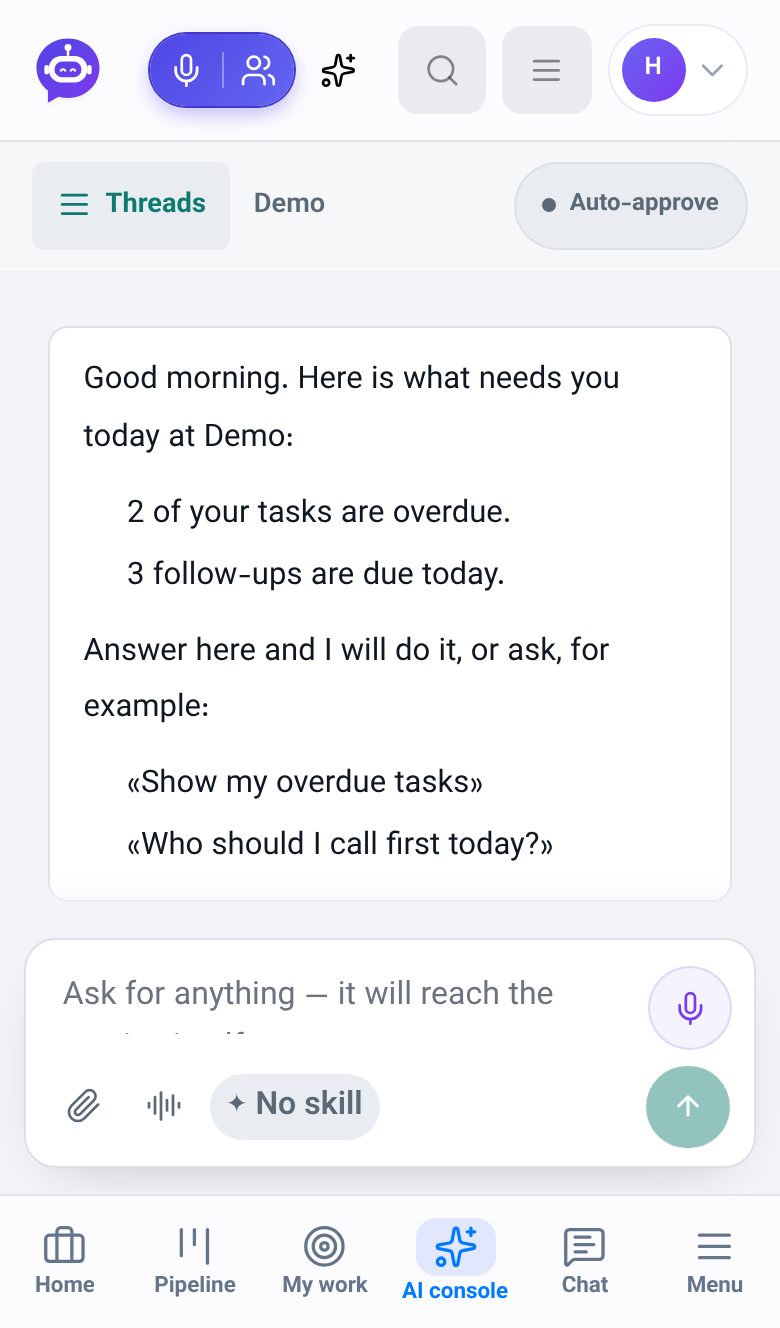
- Today's work: in the morning, when your tasks are overdue or due today, tasks you handed out are late, follow-ups are due or actions wait for your approval, a "What needs you today" chat opens. On a day with nothing waiting, nothing is sent.
- Business alerts: when a figure is off its usual, the console says what happened and what it would do. The notification that used to open the alerts page now opens this chat.
- Standing questions: an answer filed in the console now comes with a notification, rather than sitting silently in the list.
Each time there is one notification: in My messages, in the browser and in the phone app. Tapping it opens the chat, where you can say "do it" or ask a question.
How to use it
- Nothing to do; it is on for everyone.
- When a console notification arrives, tap it to open the chat.
- Answer there, for example "Show my overdue tasks" or "Who should I call first today?".
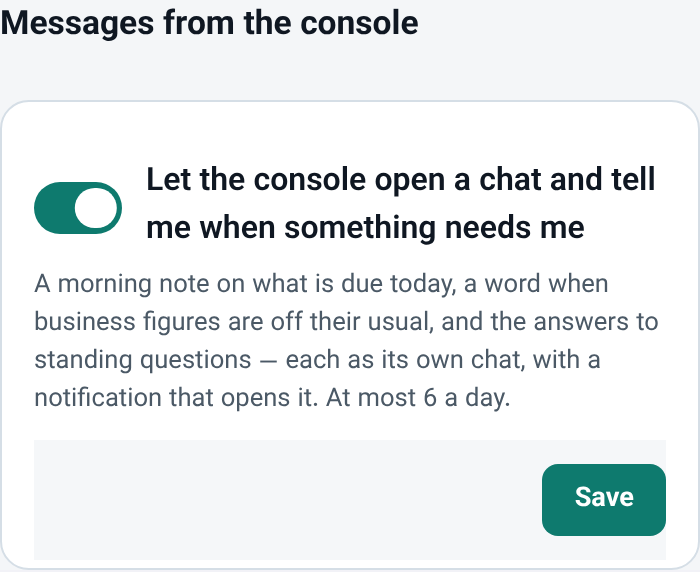
- To turn it off: NabuOS settings, Messages from the console.
Good to know
- Each subject opens one chat, and at most 6 arrive in a day.
- The morning note comes between 08:30 and 12:00 business time, and only to people who used the console in the past month.
- Messages are written in the language you chose.
- The switch is yours and holds in every business you work in.