Accounting controls — lock date, approval, templates, review
Lock the books up to a date without closing the year, have the team's vouchers approved, keep vouchers as templates that redraft monthly, attach files to a voucher, note an account, search a ledger, review a period before signing it off, and compare the books with earlier periods.
Product update 2 min read
What changed
Accounting gets the controls an accountant uses every month.
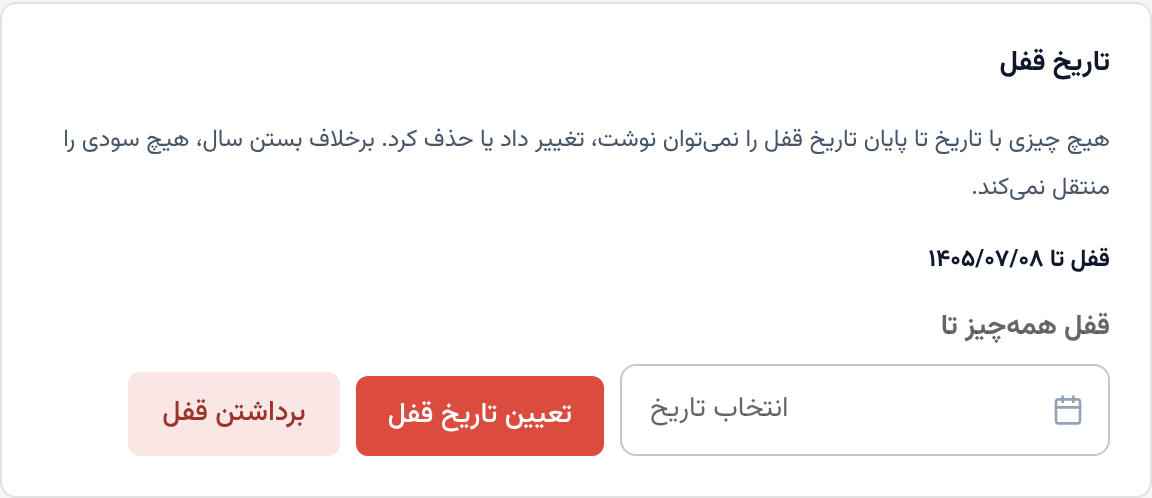
- Lock date. On Financial year, set "Lock everything up to" a date: nothing on or before it can be written, changed or deleted — invoices, expenses and vouchers alike. Unlike closing the year, it moves no profit, so you can lock each month once it is reconciled and filed.
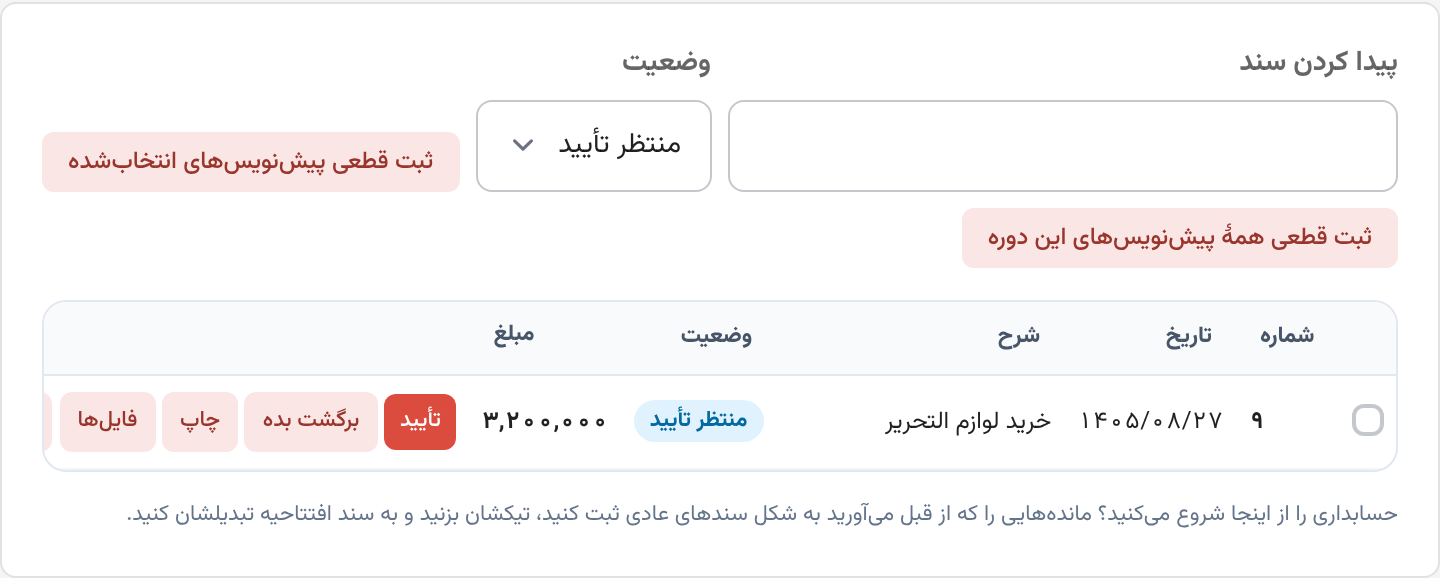
- Voucher approval. Turn it on under Financial year. A voucher posted by a colleague who does not run the business then waits for approval; the owner or an administrator presses Approve (or Send back) in the voucher list. The approver's name and date are on the printed voucher.
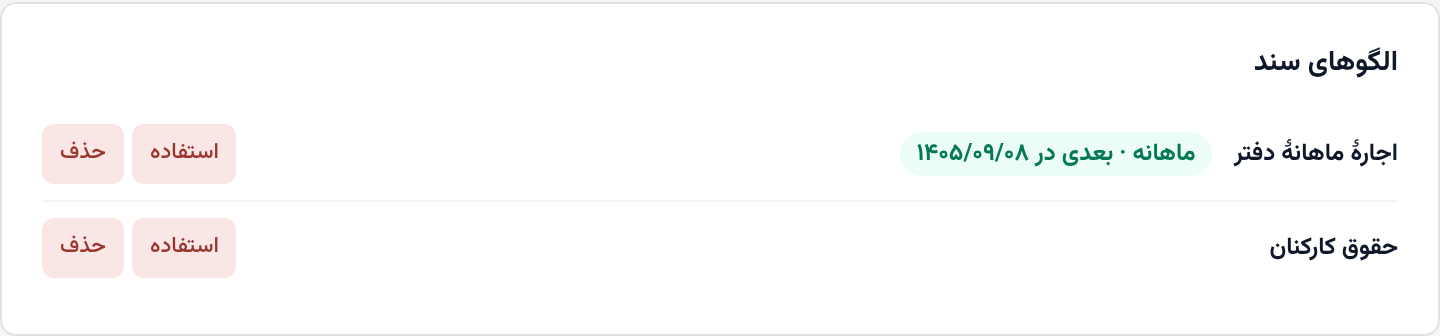
- Voucher templates. Under a voucher you are typing, Save these lines as a template — and tick Draft it again every month for rent or salaries. A monthly template is drafted on its date each month; Use drafts one now.
- Files on a voucher. Files on a voucher's row attaches the receipt, contract or bank slip.
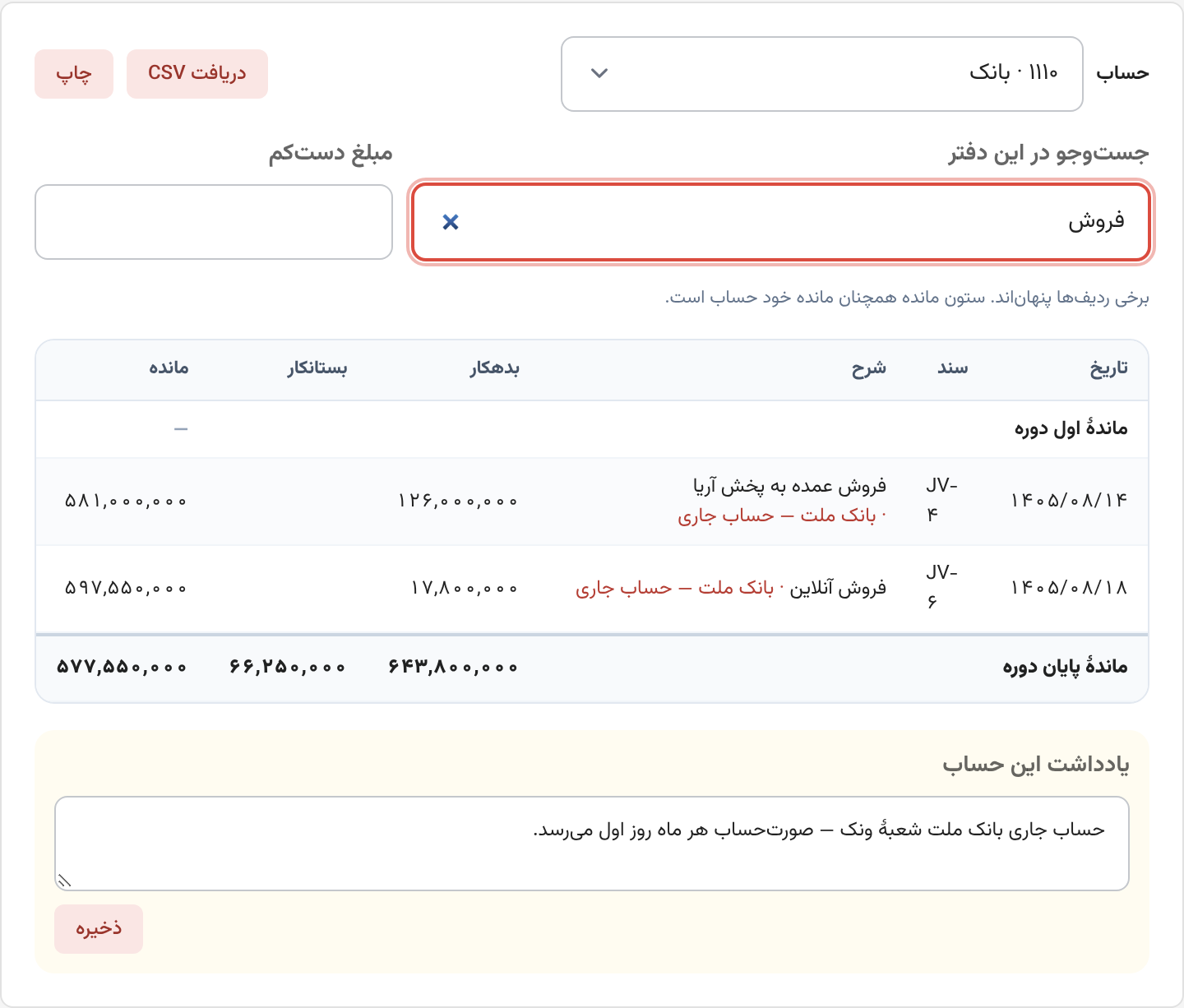
- A note on any account, shown under its ledger.
- Search a ledger by description and by smallest amount; the balance column stays the account's own.
- Period review. A new Period review page lists what to check before signing off the period: a cash or bank account below zero, bank lines in suspense, drafts over a month old, vouchers waiting for approval, possible duplicates, and entries on a weekend.
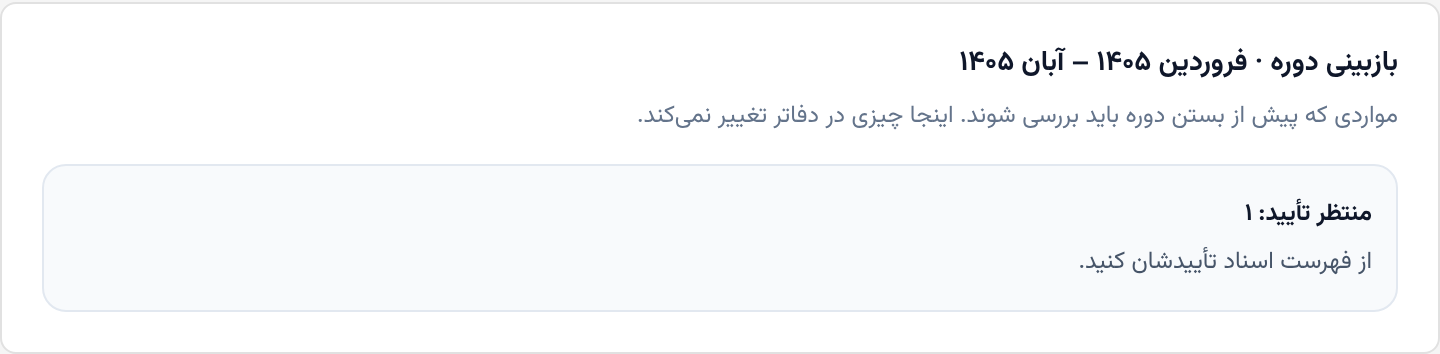
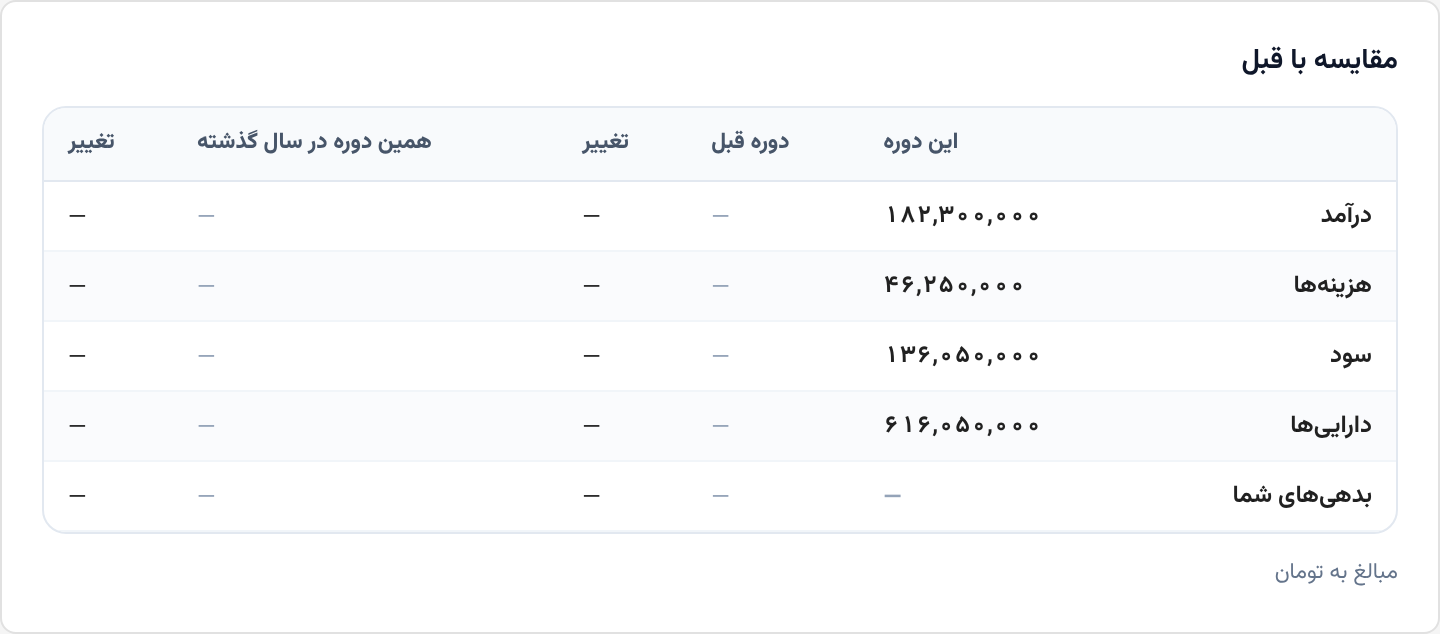
- Compared with earlier. Books → Profit and balance shows this period beside the previous one and the same months last year, with the change.
- Print on profit and loss, the balance sheet, cash flow and changes in the owner's share.
How to use it
- Accounting → Financial year: set the lock date, and turn approval on if you want it.
- Journal vouchers: save a voucher's lines as a template; approve waiting vouchers from the list (filter Status → Waiting for approval).
- Reports → Period review before you close a month.
Good to know
- A waiting voucher is in no report until it is approved.
- Removing the lock date opens those days again; closing a year still locks them for good.