Customers verify their identity in the customer portal (Nabu KYC)
Your customers can now verify who they are from the customer portal — Iranians with their national ID through Shahkar, anyone else with a passport or ID card and a selfie. Faces are compared automatically, and doubtful cases wait for you.
Product update 2 min read
What changed
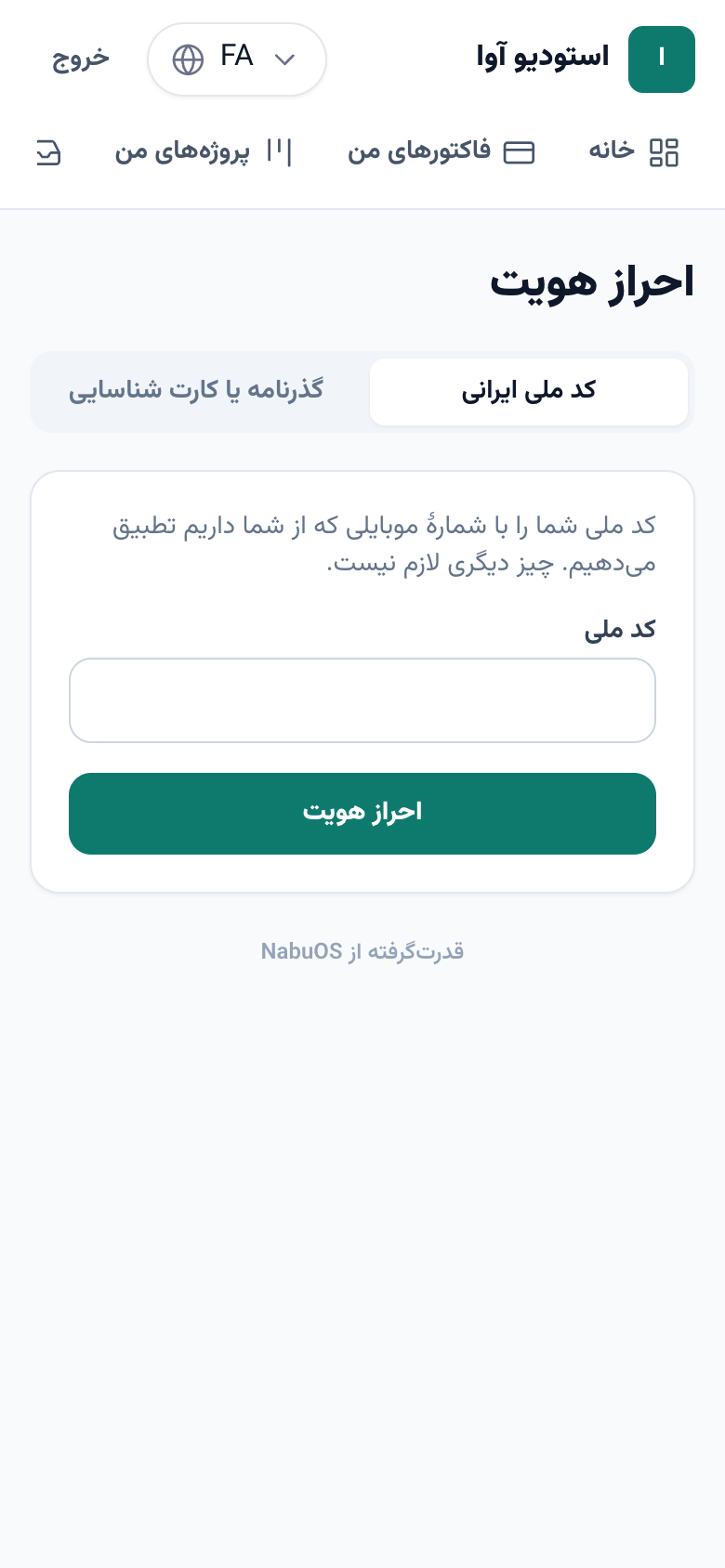
The customer portal has a new Verify your identity page with two ways in:
- Iranian national ID: the customer types it, and Shahkar confirms it belongs to the mobile number you have for them. The answer comes back in seconds.
- Passport or ID card: the customer sends a photo of the document and a selfie, and the selfie is compared with the face on the document:
- a clear match is verified automatically;
- a photo of a screen or a borderline match waits for you;
- an unreadable photo or a plainly different face is rejected, so the customer can send new photos.
How to use it
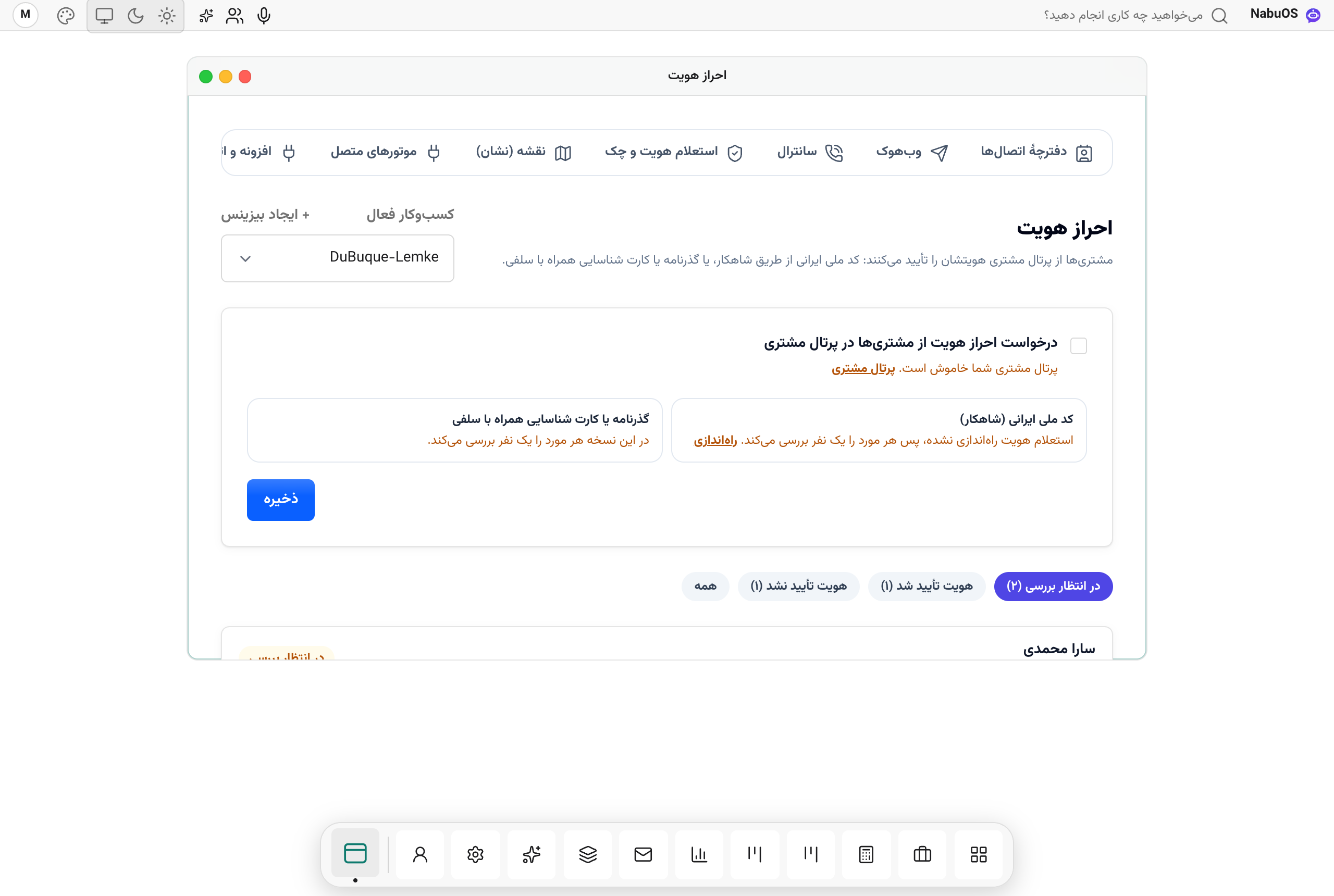
- In the panel open Connections → Identity checks.
- Tick Ask customers to verify their identity in the customer portal and press Save. The customer portal itself must be on.
- For automatic Shahkar checks, add Finnotech or Jibit keys under Identity and cheque checks; until then you review every national ID yourself.
- Open checks Waiting for review on the same page, look at the photos and press Verify or Identity not verified.
Good to know
- Photos are stored privately; only someone who manages this business can open them, through links that work for ten minutes.
- National IDs are encrypted at rest; screens show only the last four digits.
- Shahkar checks go through, and are billed to, the business's own inquiry account.