Follow-ups, the calendar and companies read better on a phone
The add form on Follow-ups and Companies folds away so the list comes first, empty follow-up groups are no longer drawn, and the calendar's month list is split day by day.
Product update 2 min read
What changed
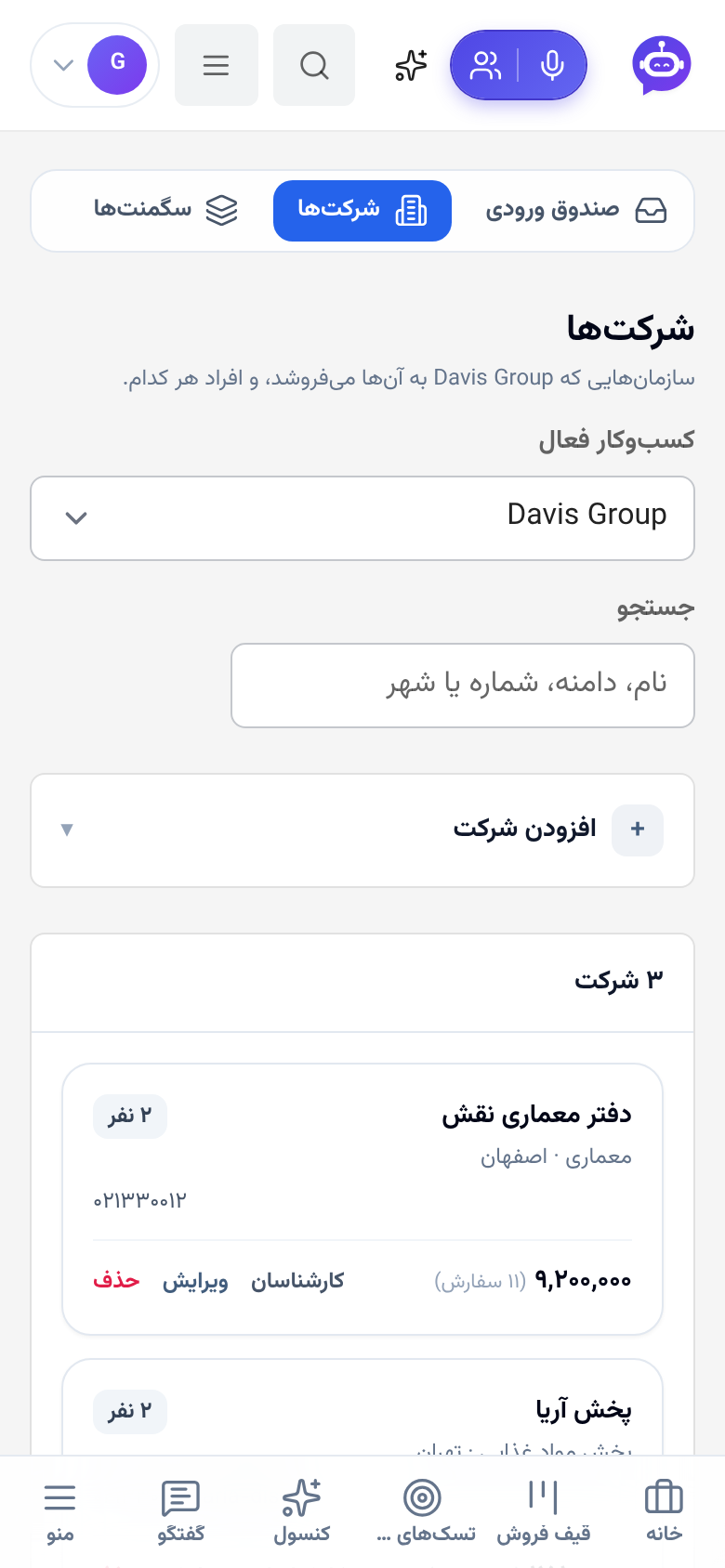
These three screens are opened for the work in their lists, but on a phone a long form came first and pushed the list off the screen.
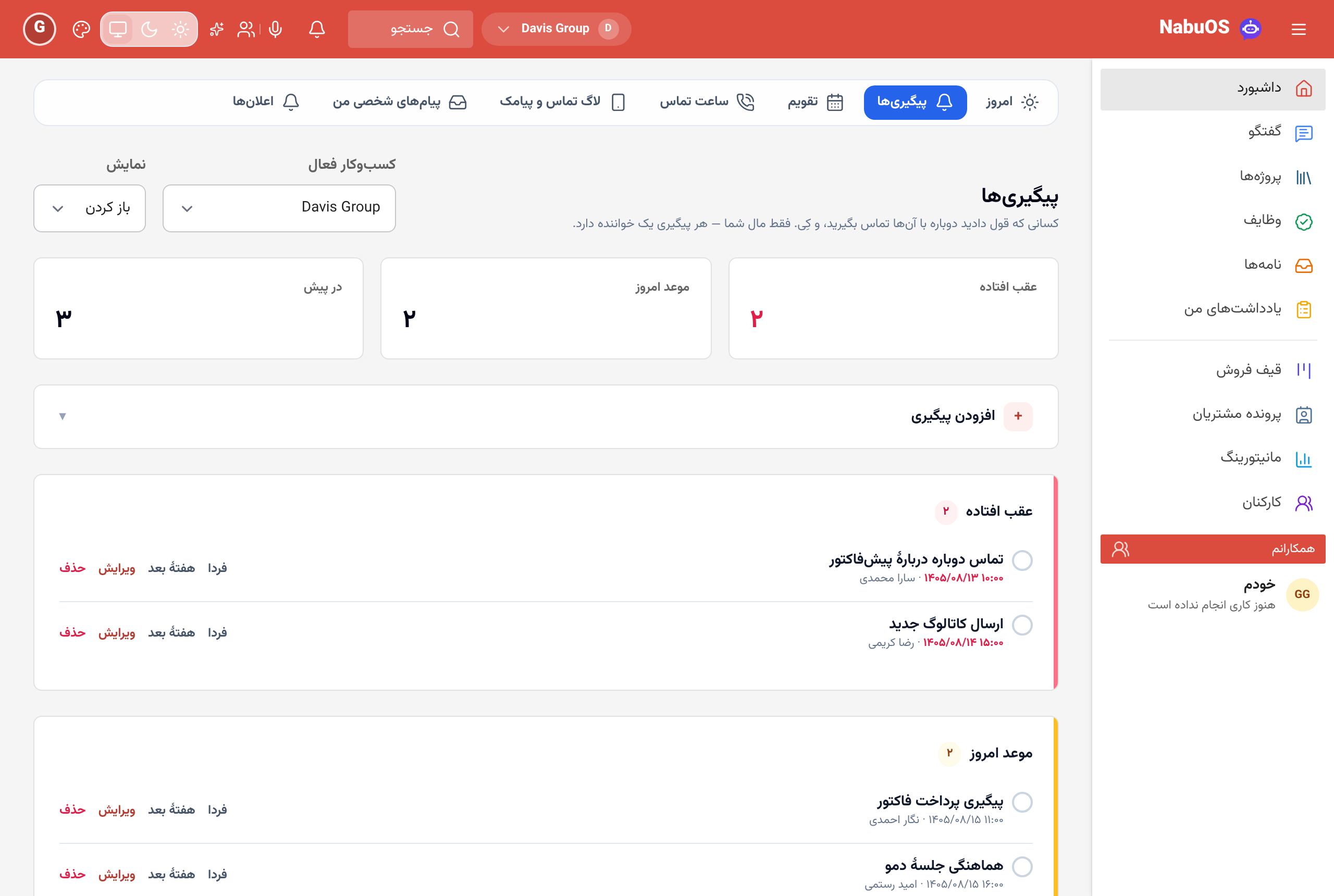
- The add form folds away. On Follow-ups and Companies, "Add a follow-up" and "Add a company" are now one line that opens with a tap. The form is already open when there is nothing listed yet, while you edit an entry, or when you arrive from the "New follow-up" tile.
- Empty groups are not drawn. Instead of three boxes saying "Nothing here.", only the groups that hold follow-ups appear, each with its count; Overdue and Due today carry a coloured edge.
- A bigger "done" target. The circle beside each follow-up is easy to hit with a thumb, and a screen reader names it.
- Three counters in one row, on a phone as well.
- The calendar's month list goes day by day. Each day has a heading with its date and how many things fall on it; each row shows the time, the title and what kind of entry it is.

How to use it
- Open Follow-ups or Companies from the menu.
- Tap Add a follow-up or Add a company to open the form.
- In the Calendar, scroll below the month: the entries are filed under each day's date.
Good to know
- Nothing was moved or removed; only the layout changed.
- Follow-ups are still yours alone; colleagues do not see them.