Console chats — private, shareable with a person or department, and voice by permission
Each person's console chats in a business are their own. You can now share a chat with a specific colleague or a whole department. Departments are new, and voice calls with the console are no longer on for every member by default.
Product update 1 min read
What changed
- Your chats are private. Colleagues don't see your console chats unless you share them.
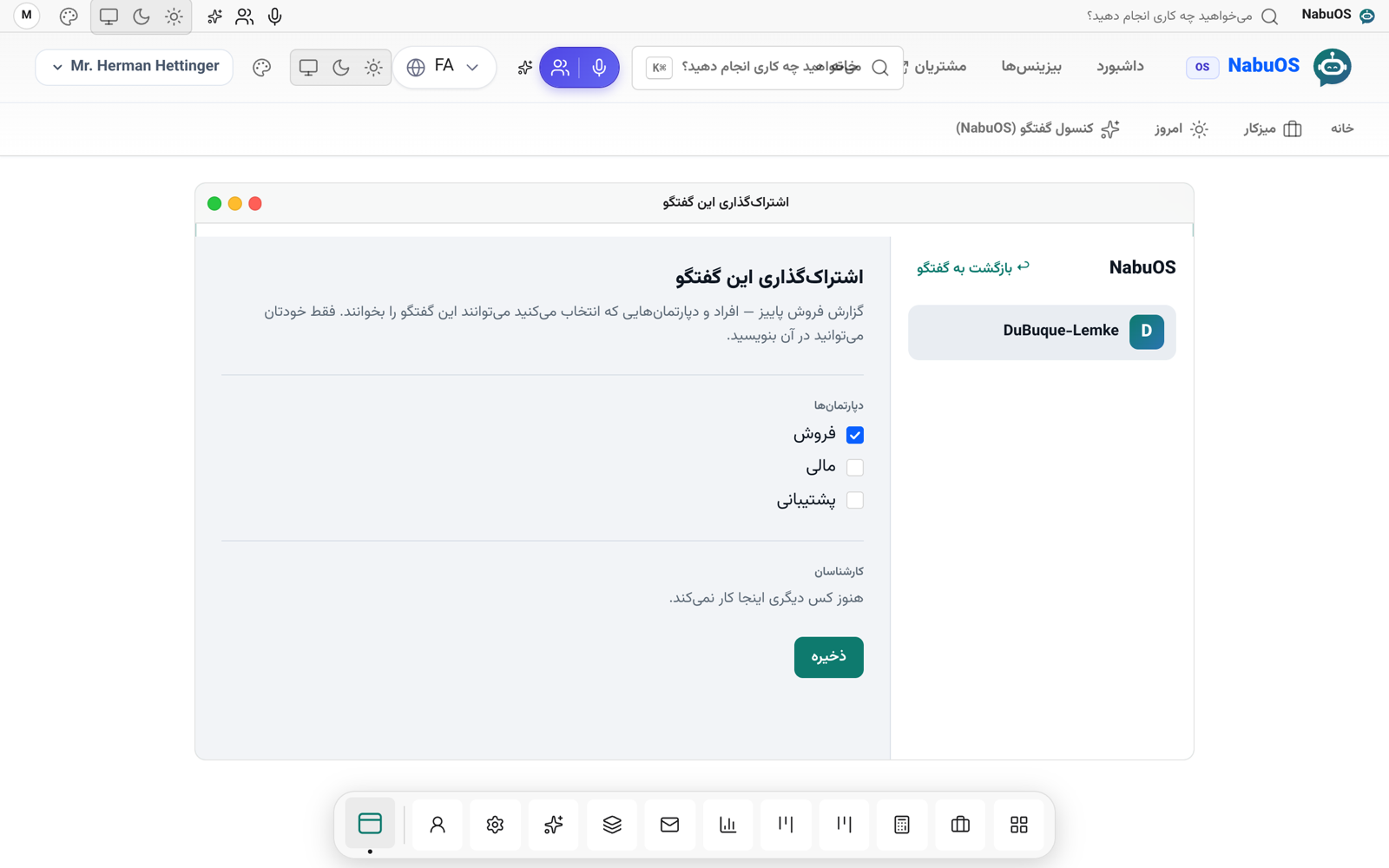
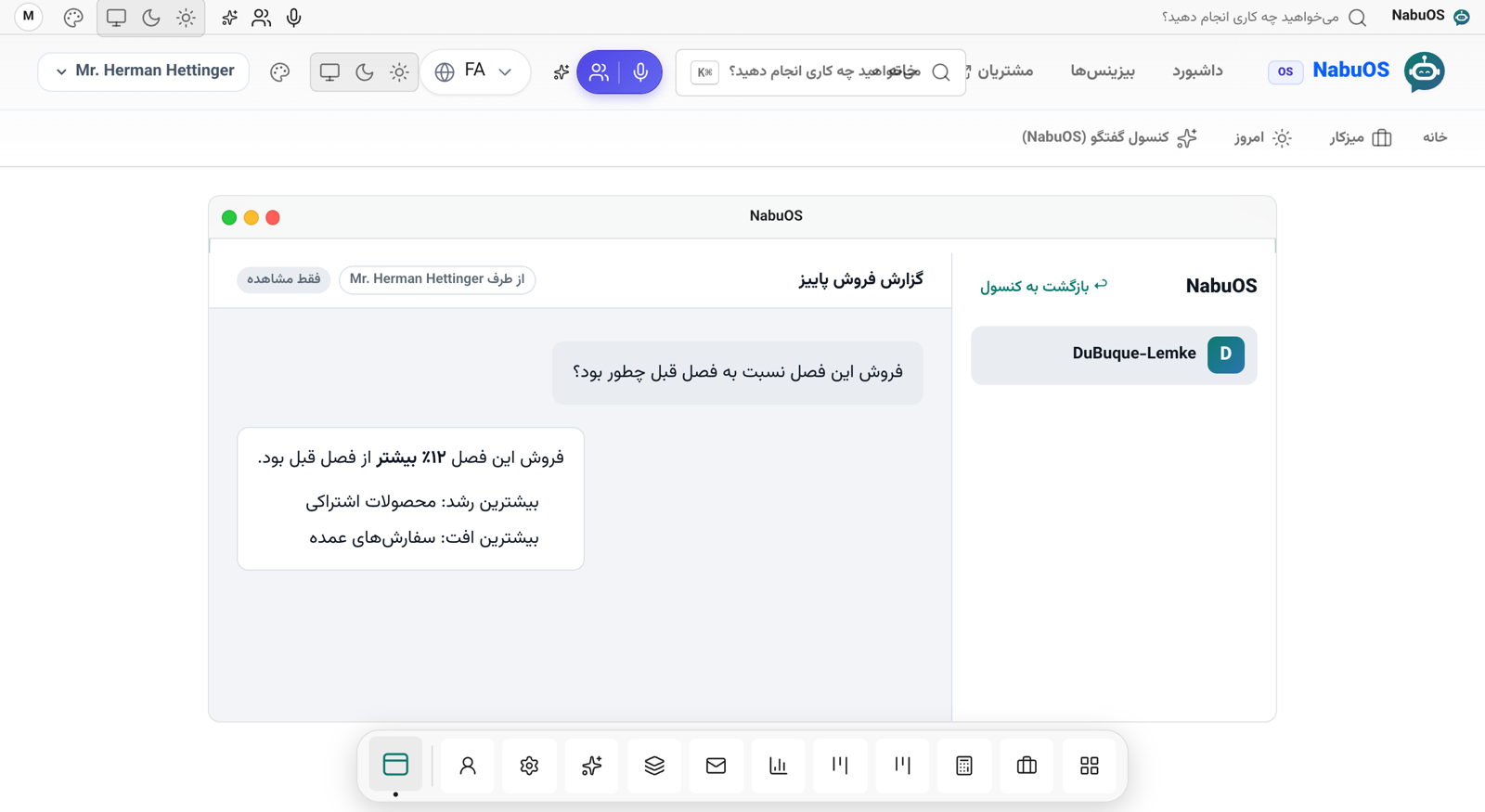
- Share with a person or a department. Every chat has a Share button. Tick people or departments; they find it under Shared with me and can read it. Only the owner writes in it or approves its actions.
- Departments. On the new Departments and voice access page, create departments (Sales, Support, Finance…) and choose their members.
- Voice by permission. Voice calls with the console spend the business's minutes, so they are no longer for everyone. Managers always have them; others only when granted directly or through their department.
How to use it
- Open Departments and voice access (next to the sales team), create departments and tick their members.
- Under Voice access, choose the people or departments allowed to call, and press Save.
- In the console, open a chat, press Share, pick people or departments and save.
Good to know
- Someone who leaves a department loses that department's shared chats.
- Chats can only be shared with people and departments of the same business.